




 Help
Help Get the free app
Curtsy News
Bundle Offers Are Here! More Favorites, Less Shipping
Make an offer on a few favorites from the same closet and save on shipping. Selling? Create a bundle for a shopper right in your messages.
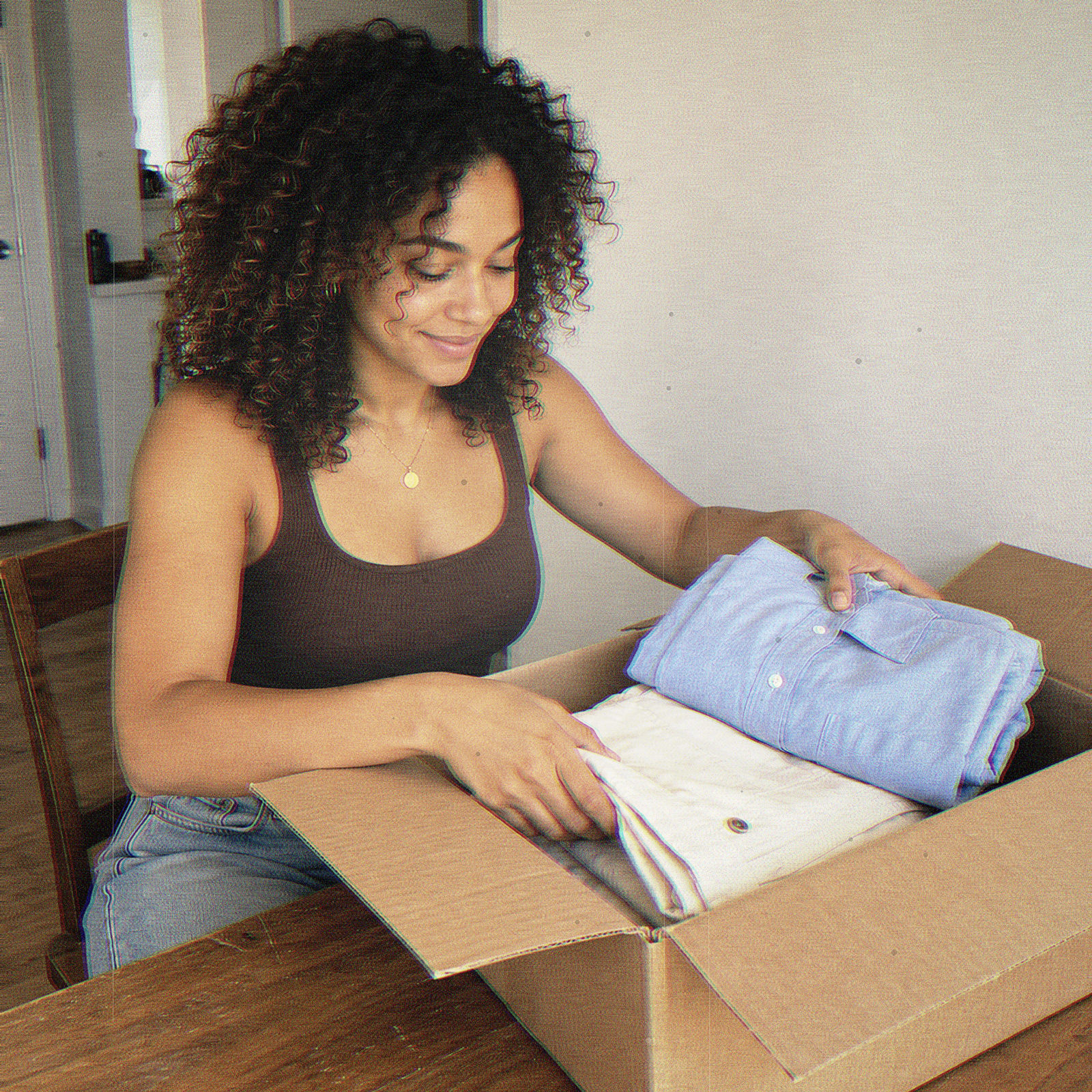
Found a few things you love in the same closet? Now you can make one offer on your favorites and save on shipping by having them sent together in one package.
It’s one of our long-requested features, and you can start a bundle whether you’re shopping or selling. Make an offer on a few finds you want, or put together a bundle for someone shopping your closet.
For Shoppers: More Finds, One Package
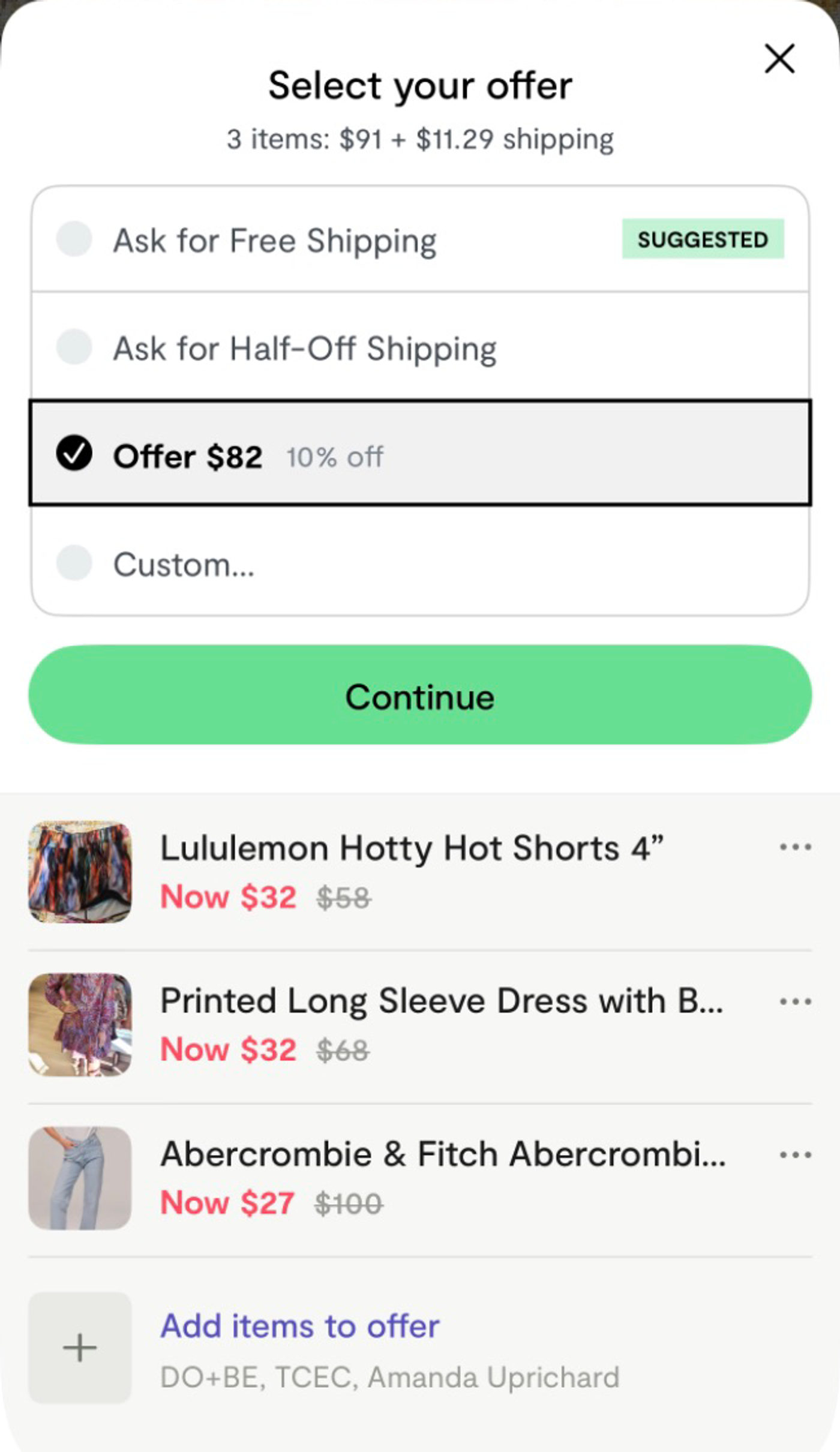
Find a few favorites from the same closet and have them shipped together in one package. Combined shipping can cost less than paying to ship each piece separately. You can also offer a price for the whole bundle, or ask for free or half-off shipping when available.
How Bundle Offers Work
- Open an item and tap Make Offer.
- Tap Add items to offer to browse the seller’s closet. Choose Add to Offer on any other pieces you want to include.
- Choose an offer or enter your own price, then review the full total before you send.
- Send your offer. The seller can accept, counter, or decline.
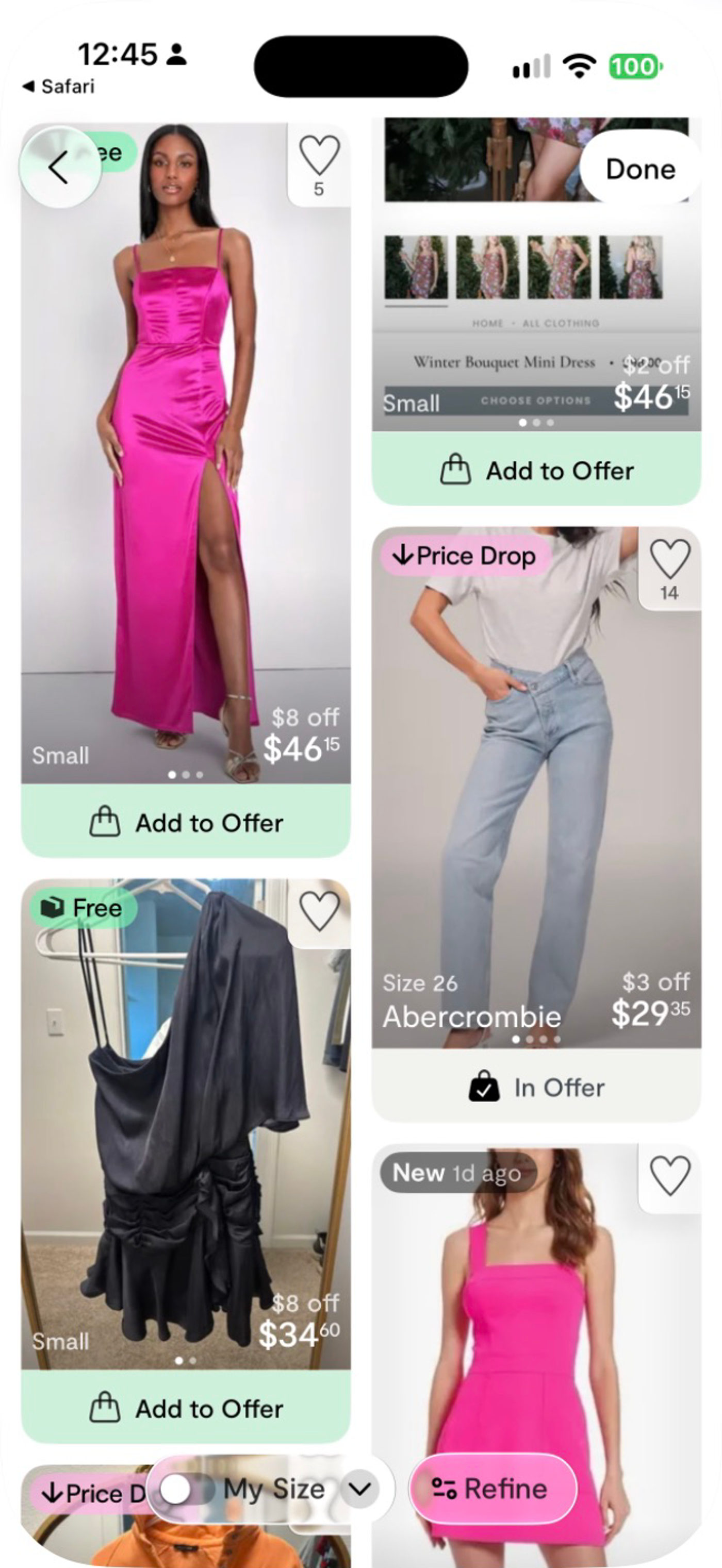
You can also start from your bag by tapping Make Offer next to a seller’s items. Each bundle offer includes items from one seller.
For Sellers: Several Pieces Sold, One Order to Ship
Sell two or three pieces to one shopper, then pack and ship them as one order. That means one package, one label, and one shipment to manage. If you’re covering some or all of the shipping, bundling can lower that cost, too.
You can create a bundle for a shopper you’re already messaging. Open the conversation, tap Make Offer, and add items from your closet. Choose your offer and send it right in the chat.
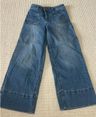
Someone’s asking about jeans and eyeing a top, too? Put both in one offer with a price for the pair.
Update Your App to Try It
Bundle offers are rolling out over the next couple of days as more people update Curtsy. Head to the App Store and update to the latest version to get access.
Both the shopper and seller need a version of the app that supports bundle offers. As more people update, you’ll see more closets you can bundle with.